Why Password Security Matters

In today's digital world, passwords serve as the first line of defense against cyber threats. A compromised password can result in unauthorized access to sensitive data, financial loss, and identity theft. Cybercriminals employ various techniques such as brute force attacks, phishing, and credential stuffing to gain access to poorly secured accounts. Understanding the importance of password security is crucial in safeguarding personal and professional digital assets.
Best Practices for Strong Passwords
Creating a strong password is one of the most effective ways to protect your online accounts. A strong password should be at least 12-16 characters long and include a mix of uppercase and lowercase letters, numbers, and special characters. Avoid using easily guessable words such as names, birthdays, or dictionary words. Instead, consider using passphrases—a sequence of random words that are easy for you to remember but difficult for hackers to crack, such as "$Diced42Pineapples!". Additionally, enabling Multi-Factor Authentication (MFA) adds an extra layer of security.

Recommended Password Managers
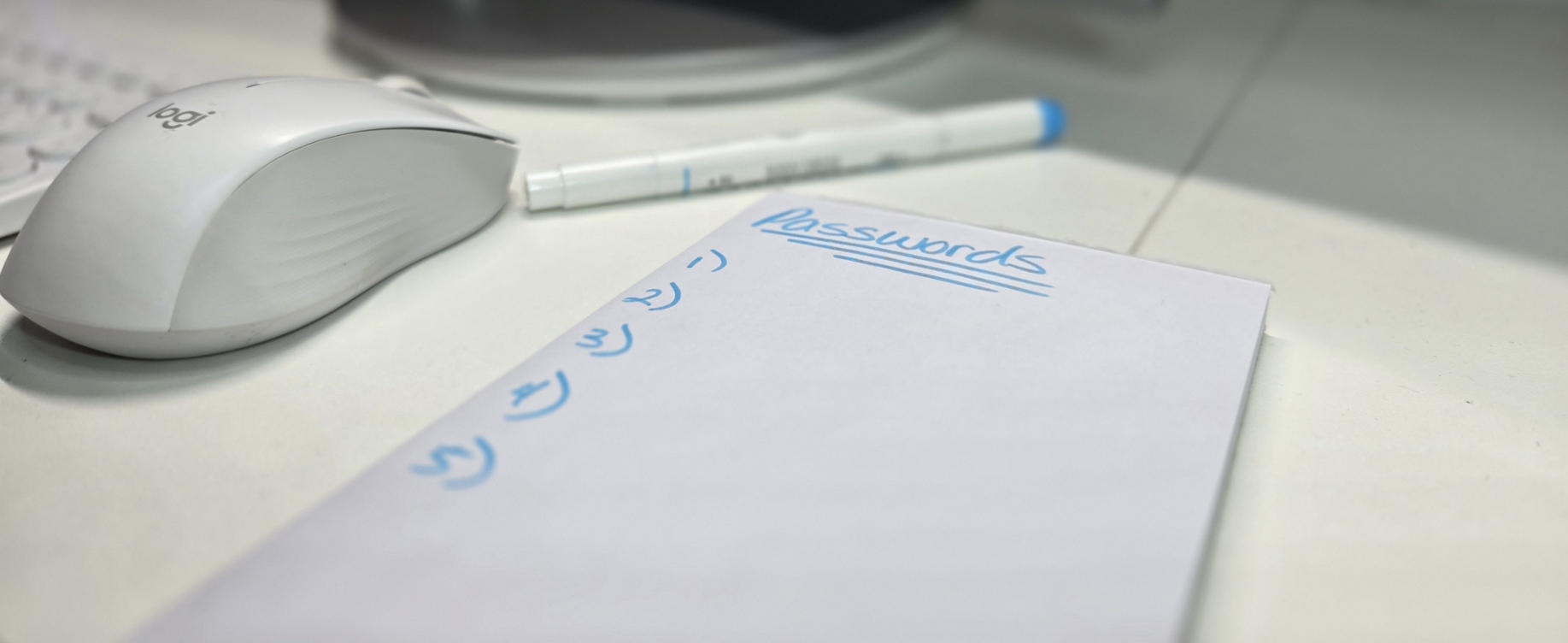
Remembering multiple complex passwords can be challenging, which is why password managers are essential tools. A password manager securely stores and encrypts passwords, allowing users to generate unique and strong credentials for each account without the need to memorize them. Some of the best password managers include:
- Bitwarden - An open-source, highly secure password manager with end-to-end encryption.
- 1Password - Offers advanced security features, including secure document storage.
- LastPass - A popular choice with free and premium options for individuals and businesses.
How to Protect Your Passwords

Maintaining the security of your passwords requires continuous vigilance. Never reuse passwords across multiple accounts, as this increases vulnerability in case of a data breach. Regularly update passwords for critical accounts, especially if you suspect unauthorized access. Websites like Have I Been Pwned allow users to check if their credentials have been leaked in a data breach. Consider enabling biometric authentication where possible to add an additional security layer.